Email Authentication
How to Set Up SPF Fail DKIM Fail DMARC Fail
· updated 14 November 2026 · 3 min read · Muhammad Junaid
Learn how to fix SPF fail, DKIM fail, and DMARC fail errors. Follow this step-by-step guide to configure DNS records, align domains, and improve email deliverability.
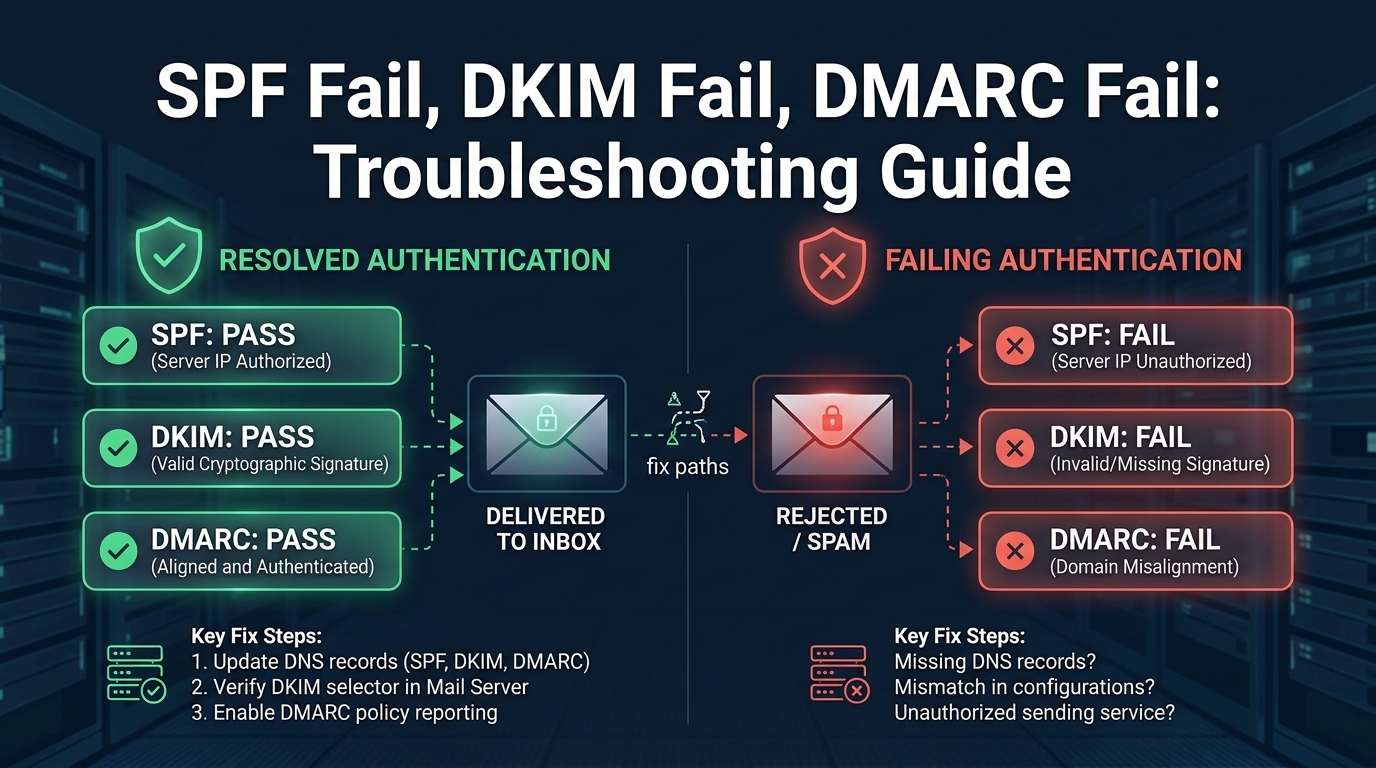
When SPF fails, DKIM fails, and DMARC fails, your domain's email authentication is not properly configured. The solution is to identify which mail servers send emails on your behalf, correct your SPF and DKIM records, and configure DMARC alignment. This guide explains how to identify the problem, fix authentication failures, and protect your email deliverability.
Key Takeaways
-
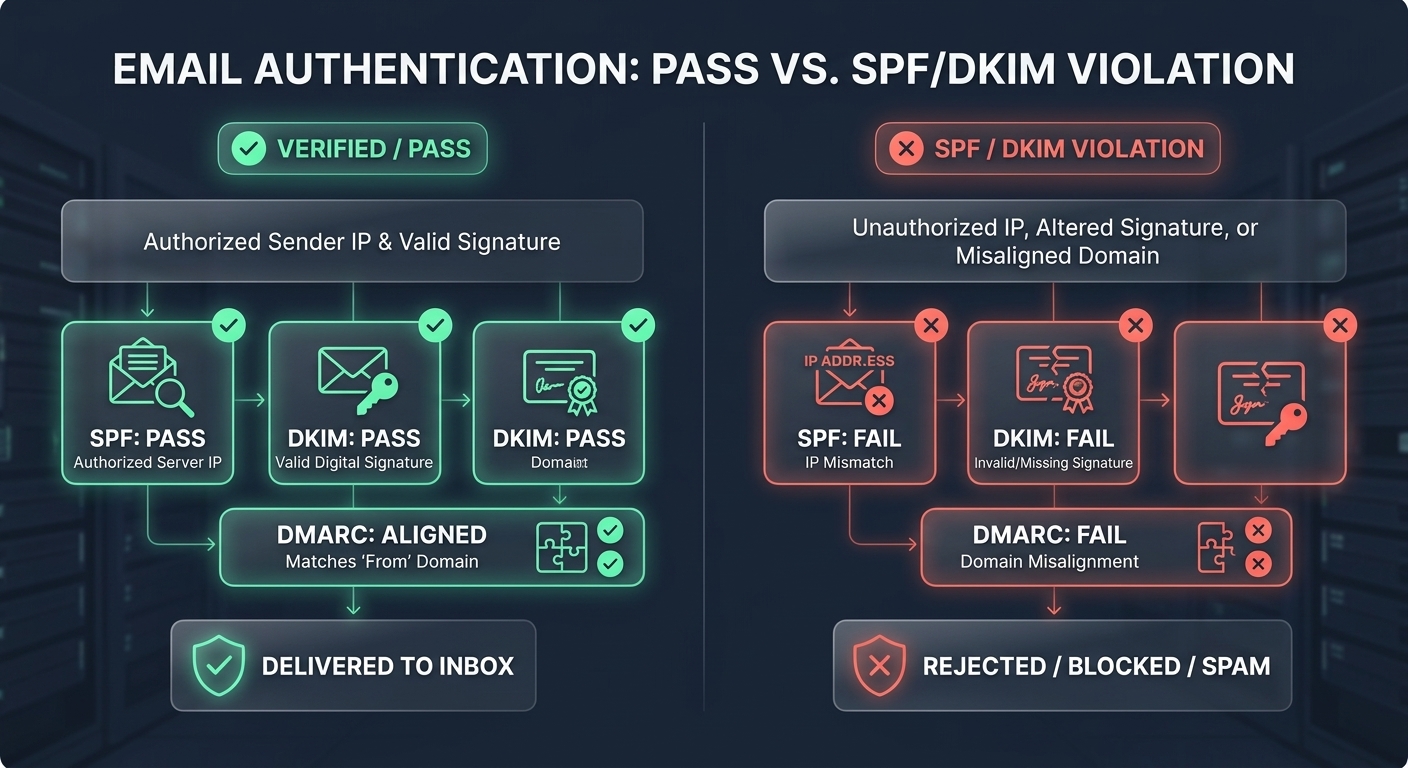
SPF verifies whether a sending server is authorized to send emails for your domain.
-
DKIM checks whether an email has a valid cryptographic signature.
-
DMARC checks whether SPF or DKIM passes and aligns with the visible From address.
-
All three failures can result from missing DNS records, incorrect configurations, or unauthorized sending services.
Common Causes of DMARC Failures
DMARC failures usually happen when email authentication records are missing, incorrect, or not aligned with the sending domain.
Misconfigured Third-Party Senders
Email services such as Google Workspace, Microsoft 365, and marketing platforms send messages on your behalf. If their sending servers are not authorized in your SPF record or their DKIM signatures are not configured correctly, authentication can fail.
DKIM Signature Not Set Up
Without a valid DKIM signature, receiving servers cannot verify the email's authenticity through DKIM. This often happens when a provider's DKIM key has not been published in DNS or the email service is not signing outgoing messages.
Email Forwarding
Email forwarding can cause SPF failures because the forwarding server may not be authorized by the original sender's SPF record. DKIM can also fail if forwarding modifies signed email content.
How to Fix DMARC Failures
Follow these steps to identify and correct the authentication issues.
Step 1: Check Your SPF Record
Log in to your domain's DNS provider and locate your TXT records.
For Google Workspace, an SPF record commonly looks like this:
v=spf1 include:_spf.google.com ~all
Make sure every legitimate sending service is authorized. Avoid creating multiple SPF records for the same domain.
Step 2: Configure DKIM Authentication
Open your email service's admin settings and locate its DKIM authentication section.
Generate a DKIM key, publish the provided public key as a DNS TXT record, and enable DKIM signing through your provider.
For example, a Google Workspace DKIM record uses a selector such as:
google._domainkey
The actual TXT value must come from your email provider.
Step 3: Set Up Domain Alignment
DMARC requires at least one authentication method to pass and align with the domain in the visible From address.
For example, if your email address is [email protected], the authenticated SPF or DKIM domain must align with example.com under the applicable alignment mode.
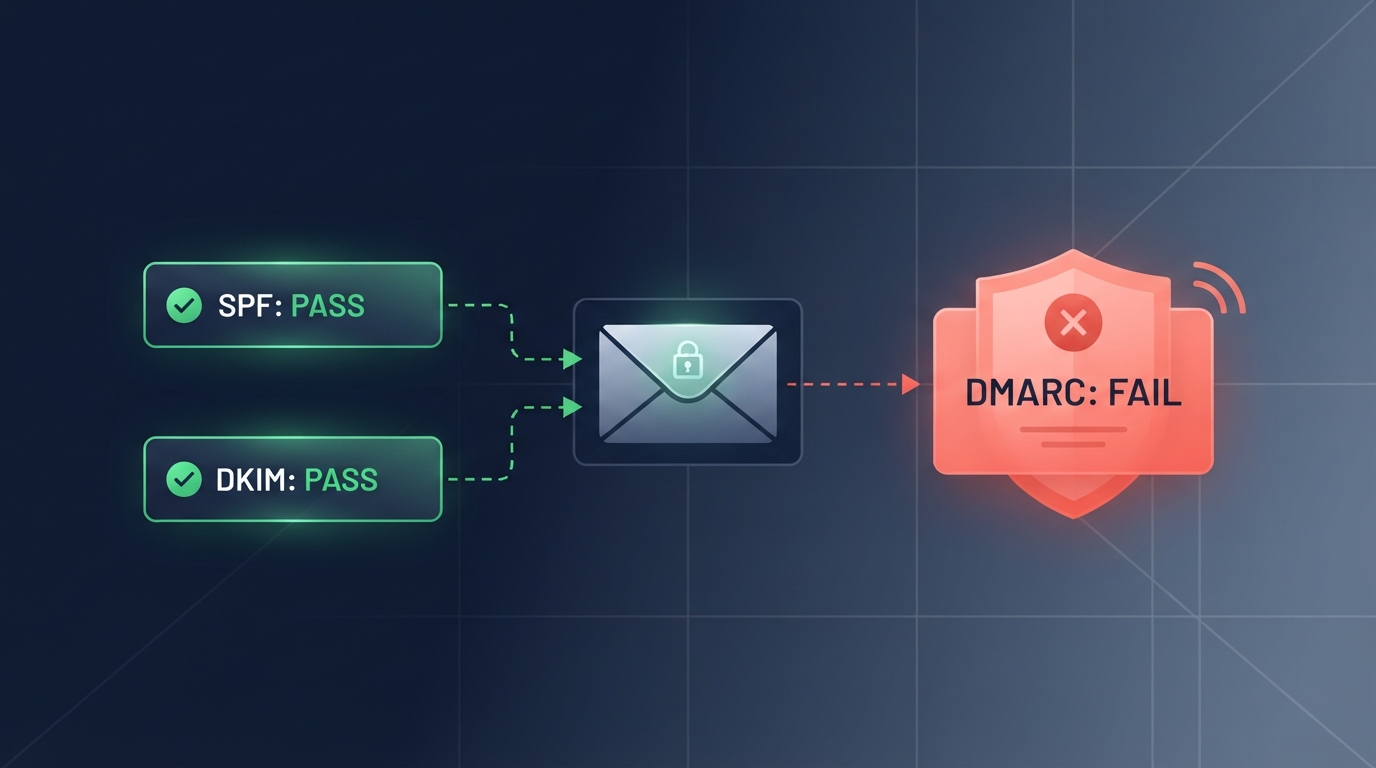
Having SPF and DKIM pass independently does not guarantee DMARC will pass.
Step 4: Add a DMARC Record
Create a TXT record with the following configuration:
Host: _dmarc
Value:
v=DMARC1; p=none; rua=mailto:[email protected]
This monitoring policy allows you to receive DMARC reports without rejecting legitimate emails. Use an actual monitored reporting mailbox.
Step 5: Monitor Your DMARC Reports
Send test emails and inspect their authentication results in the receiving email headers.
Look for:
-
spf=pass -
dkim=pass -
dmarc=pass
Review DMARC reports to identify unauthorized senders, missing DNS records, and alignment issues. Once legitimate sending services consistently pass, consider moving to quarantine and eventually reject.
What Happens If DMARC Fails?
When DMARC fails, receiving email providers apply your domain's DMARC policy. Depending on the policy, messages may still reach the inbox, go to spam, or be rejected. Repeated failures can also affect your domain's email reputation and deliverability.
Related Resources
If you need help understanding or generating your authentication records, use our SPF and DKIM Generator. For additional troubleshooting, searches such as SPF fail DKIM fail DMARC fail meaning, SPF and DKIM pass but DMARC fails, SPF fail but DKIM pass, and DMARC checker can help identify specific authentication issues. You can also look at discussions about SPF fail DKIM fail DMARC fail on Reddit or use an SPF checker and DMARC and DKIM checker to investigate your DNS configuration.