Email Authentication
How to Set Up SPF and DKIM Pass but DMARC Fails
· updated 12 November 2026 · 3 min read · Muhammad Junaid
Learn why SPF and DKIM pass but DMARC fails, discover common causes like domain misalignment and email forwarding, and follow step-by-step fixes to improve email authentication and deliverability.
Key Takeaways
-
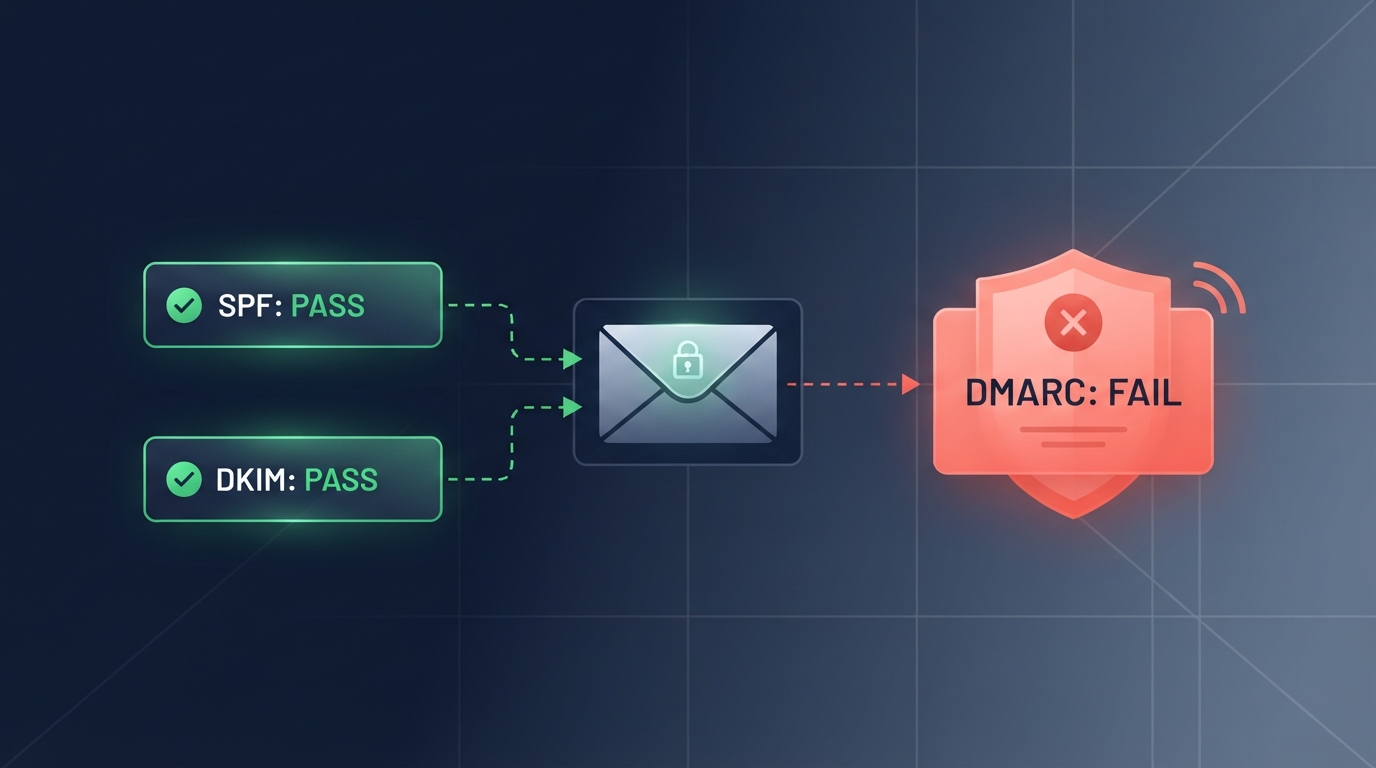
SPF and DKIM passing does not guarantee DMARC will pass.
-
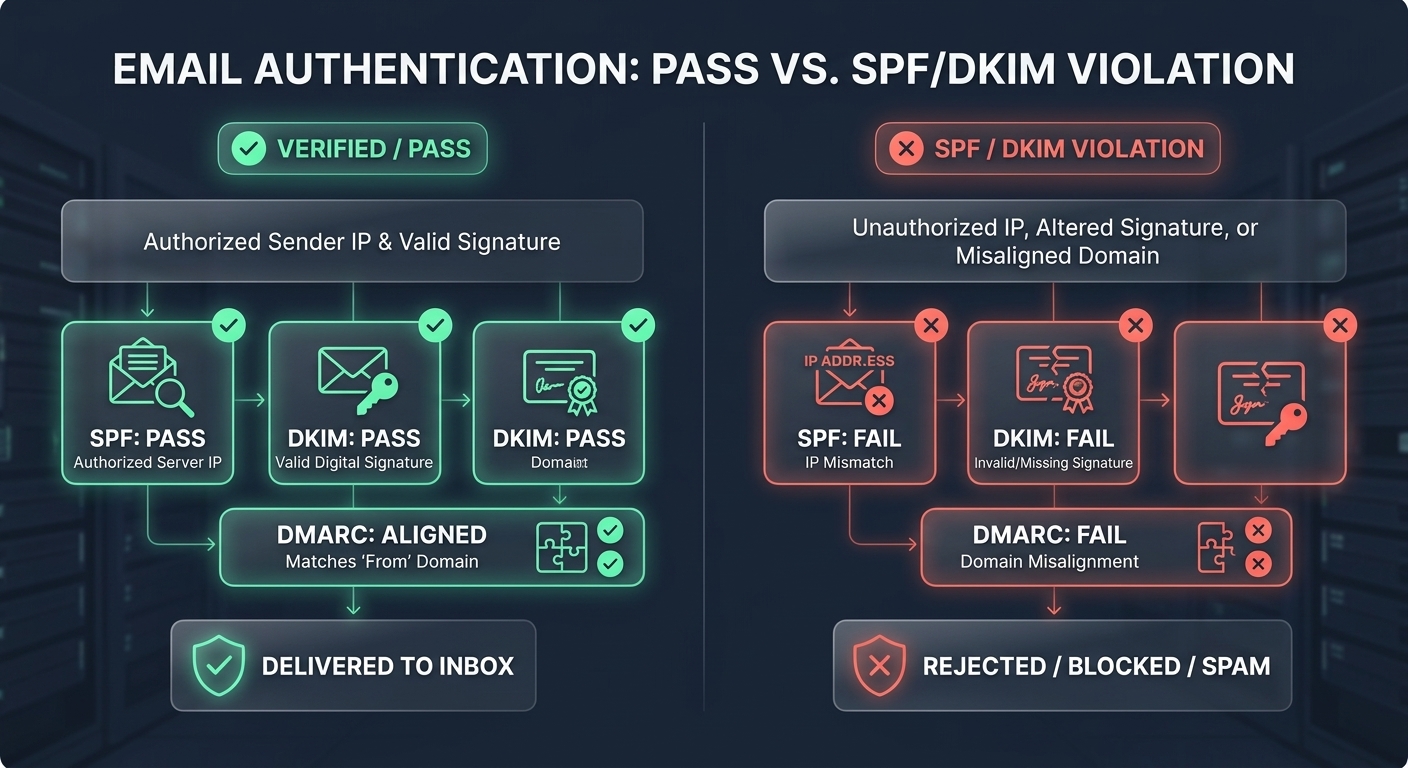
DMARC requires at least one authenticated domain to align with the visible From address.
-
Email forwarding and third-party sending services can cause alignment failures.
-
Checking email headers and DMARC reports helps identify the issue.
Domain Spoofing and Unknown Senders
Domain spoofing occurs when someone sends messages pretending to use your domain. DMARC helps receiving servers distinguish legitimate emails from unauthorized messages. Unknown sending sources should be investigated before changing your authentication policy.
Email Forwarding
Email forwarding can break SPF because the forwarding server sends the message using its own IP address. DKIM may survive forwarding, but changes to message content can invalidate its signature. This can cause DMARC failures at the receiving server.
DKIM Signature Not Set Up
Even when DKIM passes for one email service, another provider might not sign messages with your domain. Check the d= value in the DKIM-Signature header and make sure it aligns with your From domain.
Misconfigured Third-Party Senders
Services such as CRMs, marketing platforms, and transactional email providers often send messages on your behalf. If they use their own domains for SPF and DKIM authentication, DMARC alignment can fail.
What Does a DMARC Failure Mean?
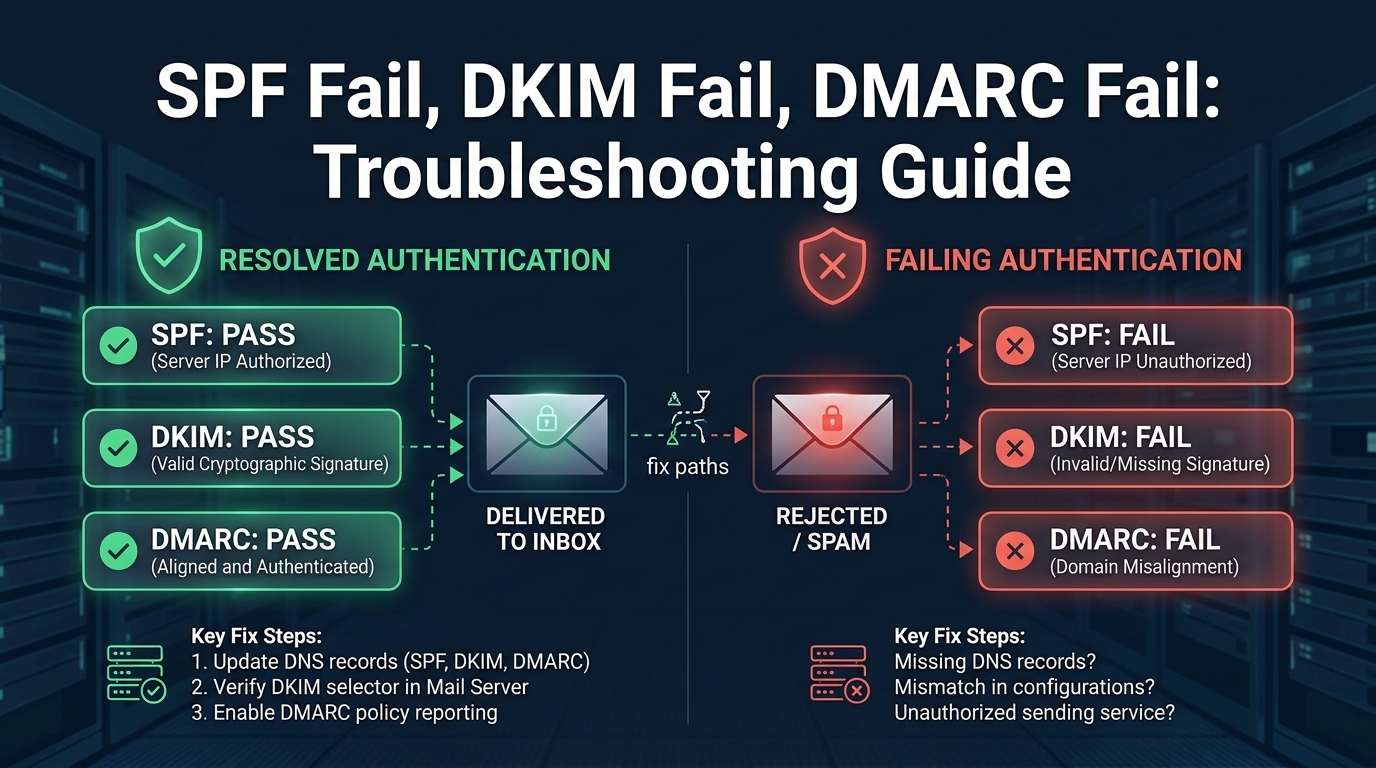
A DMARC failure means neither SPF nor DKIM passed both authentication and domain alignment checks. The message may still be delivered, quarantined, or rejected depending on the receiving server and your DMARC policy.
Setting Up Domain Alignment
For example, if your From address is [email protected], check:
-
SPF: Does the
smtp.mailfromdomain align withcontoso.com? -
DKIM: Does the signature's
d=domain align withcontoso.com?
Relaxed alignment accepts matching organizational domains and their subdomains. Strict alignment requires an exact match.
How to Fix DMARC Failures
-
Open the original email's full headers.
-
Find the
Authentication-Resultsheader. -
Check
header.from,smtp.mailfrom, andheader.d. -
Configure your email provider to use an aligned Return-Path domain.
-
Enable custom DKIM signing with your domain.
-
Send another test email and verify the results.
The Solution? DMARC
Publish a DMARC TXT record at _dmarc.contoso.com. For monitoring, a basic example is:
v=DMARC1; p=none; rua=mailto:[email protected]; aspf=r; adkim=r
This collects aggregate reports without requesting quarantine or rejection. For help creating the correct DNS records, use our SPF and DKIM generator.
What Happens If DMARC Fails?
Depending on the policy, receiving servers may deliver the email, place it in spam, quarantine it, or reject it. Repeated failures can also affect domain reputation and email deliverability.
Review Your DMARC Policy
Start with p=none while investigating legitimate sending services. Move to p=quarantine and eventually p=reject after confirming authorized sources pass alignment.
How to Identify Why DMARC Is Failing
Compare authentication results in the email header. If SPF and DKIM both pass but DMARC fails, look for domain mismatches rather than automatically changing your DNS records.
Monitor Your DMARC Reports
Review aggregate reports regularly to identify unknown senders, missing authentication, alignment problems, and configuration issues. Recheck whenever you add a new email service.
Related Resources
For additional troubleshooting, consider these checks:
-
SPF and DKIM pass but DMARC fails Reddit: Compare similar troubleshooting experiences.
-
DKIM=fail: Check the signature, selector, and published DNS key.
-
DMARC checker: Validate your published DMARC record.
-
SPF fail but DKIM pass: Investigate the sending IP and Return-Path.
-
DMARC and DKIM checker: Verify authentication and alignment independently.
-
Send email to test DMARC: Send a message to a testing mailbox and inspect its headers.
-
DKIM test and SPF checker: Confirm both DNS configurations are working.